monday.com App
Bring order to wide boards.
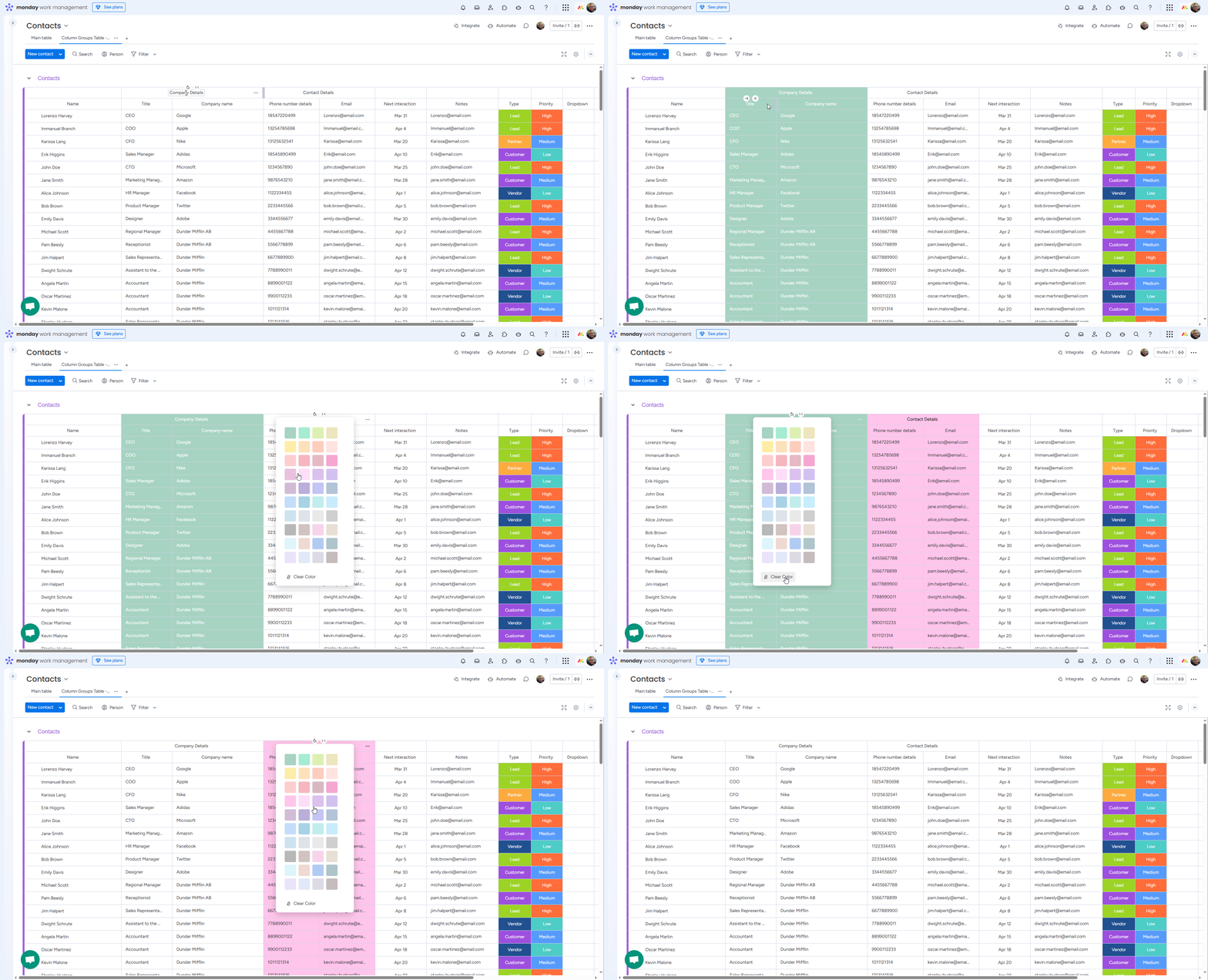
Column Groups is a dedicated monday.com board view that lets you organize columns into named, collapsible, color-coded groups. Great for boards with many columns, mixed workflows, or multi-phase projects.
Features
Everything you need to keep a busy board readable.
Group columns by workflow
Combine related columns into named groups that reflect how your team actually works: status, budget, client info, engineering details, or whatever fits your board.
Collapse and expand
Hide irrelevant groups with a single click. Focus on what matters now without losing the structure underneath.
Color-code each group
Pick a color per group to make phases and categories visually obvious at a glance. Choose how intensely color is applied: headers only, headers + columns, or full cells.
Global or per-item-group
Apply column groupings globally across the whole board, or let each item group have its own groupings so different workflows can coexist.
Runs entirely in the browser
Your board data never leaves monday.com. Column Groups reads column metadata directly via the official monday.com API.
Direct support from the developer
A chat widget connects you straight to the developer. No support tiers, no ticket queues.
Pricing
Simple, transparent pricing.
One plan, $9 per account per month. Every current feature is included, with no seat multipliers and no upsells.
Documentation
Learn and read the legal details.
How-To Guide
Walk through installing Column Groups on a board and using each feature with screenshots.
Open the guidePrivacy Policy
Details on what data the app processes, GDPR roles, retention, and your rights.
Read the policyTerms & Conditions
Terms that apply when you install and use Column Groups in your monday.com account.
Read the terms